Puck Clash
Sling Puck Battle · by BigInt
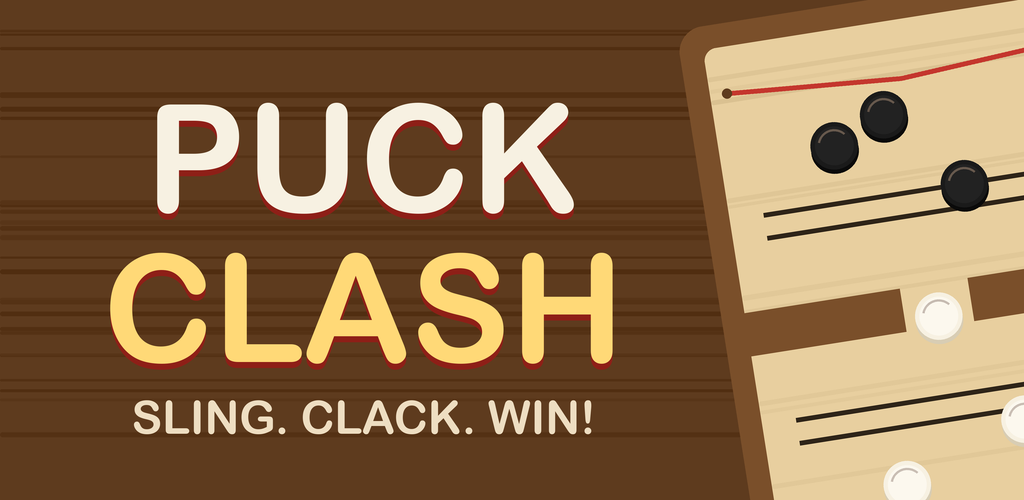
The wooden board game everyone's seen — now in your pocket. Fast, physical, and one rule simple: sling all your pucks through the slot before your opponent does!
 App Store — coming soon
⚡ REAL SLINGSHOT FEEL
Stretch the elastic, feel the snap, hear the wooden clack of every hit. Pure physics — no luck, all skill.
🗺 100-LEVEL ADVENTURE
Narrow slots, moving slots, ice patches, obstacle pegs, golden pucks — every world changes the game.
👥 2 PLAYERS, 1 PHONE
Lay the phone flat, grab a friend, and play face to face — just like the real board. Brilliant on tablets.
🏒 QUICK MATCH
Pick your difficulty and battle the AI in instant rounds. How long can your win streak run?